
Quick Start
Install Speak and run your first dictation session with the default workflow.
1. Install
- Download the latest Speak.dmg from Releases.
- Drag Speak into your Applications folder.
- If macOS blocks launch, open System Settings > Privacy & Security, then click Open Anyway for Speak.
2. Complete onboarding
- Enable Microphone.
- Enable Speech Recognition.
- Enable Accessibility so Speak can paste text into other apps.
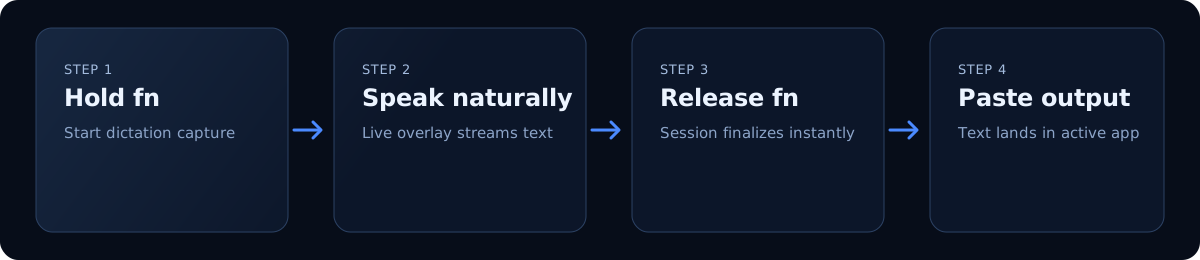
3. Dictate text
- Focus any text field.
- Hold
fnto start dictation. - Release
fnto confirm and paste.
Build from source (optional)
git clone https://github.com/chasemcdo/speak.git
cd speak
make app